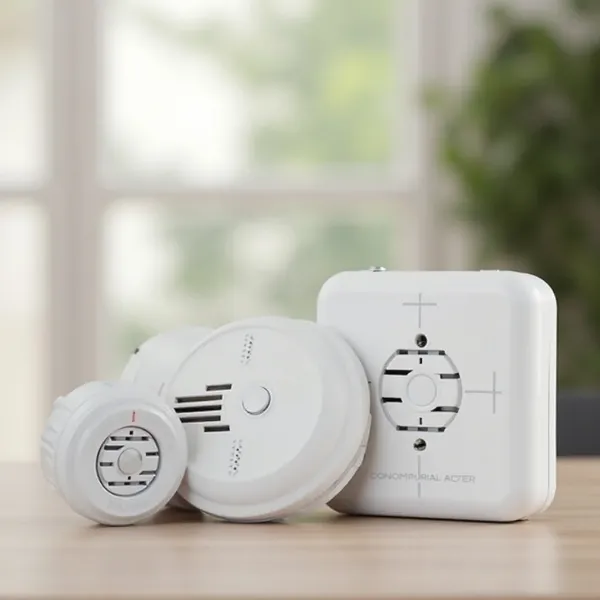
Fire alarms are crucial for safety, but that annoying beep can become a real headache, especially when it goes off for no reason. Whether it’s a low battery, dust buildup, or just a minor glitch, knowing how to turn off a fire alarm can make life a lot easier.
In this guide, we’ll show you how to turn off the fire alarm to stop the beeping and troubleshoot any issues causing it.
What Can Cause Your Fire Alarm to Beep?
There are several reasons your fire alarm might start beeping, and it’s helpful to know the cause so you can fix it. Here are the most common reasons for an alarm to go off:
- Low Battery: The most common cause of a beeping fire alarm is a low battery. It typically beeps every minute or so, reminding you to replace the battery.
- Smoke or Heat: A beeping alarm could be a sign that it’s detecting smoke or high heat levels, which is its primary function. If you're cooking or there’s steam, it might be a false alarm.
- Dust or Debris: Over time, dust can accumulate inside the alarm, causing it to beep. A quick cleaning can help prevent this.
- Malfunctioning: Sometimes the fire alarm might malfunction and beep without any real danger. This can happen with older or damaged alarms.
- Wiring Issues: If your alarm is wired into your home’s electrical system, loose connections can cause the alarm to beep.
By understanding these causes, you can troubleshoot the problem and stop the beeping without unnecessary stress.
Common Ways to Turn Off a Fire Alarm
If your fire alarm is beeping, don't panic. Here are a few quick and easy ways of how to shut off fire alarm, depending on the type of alarm you have.
Turn Off a Fire Alarm Using the Silence/Hush Button
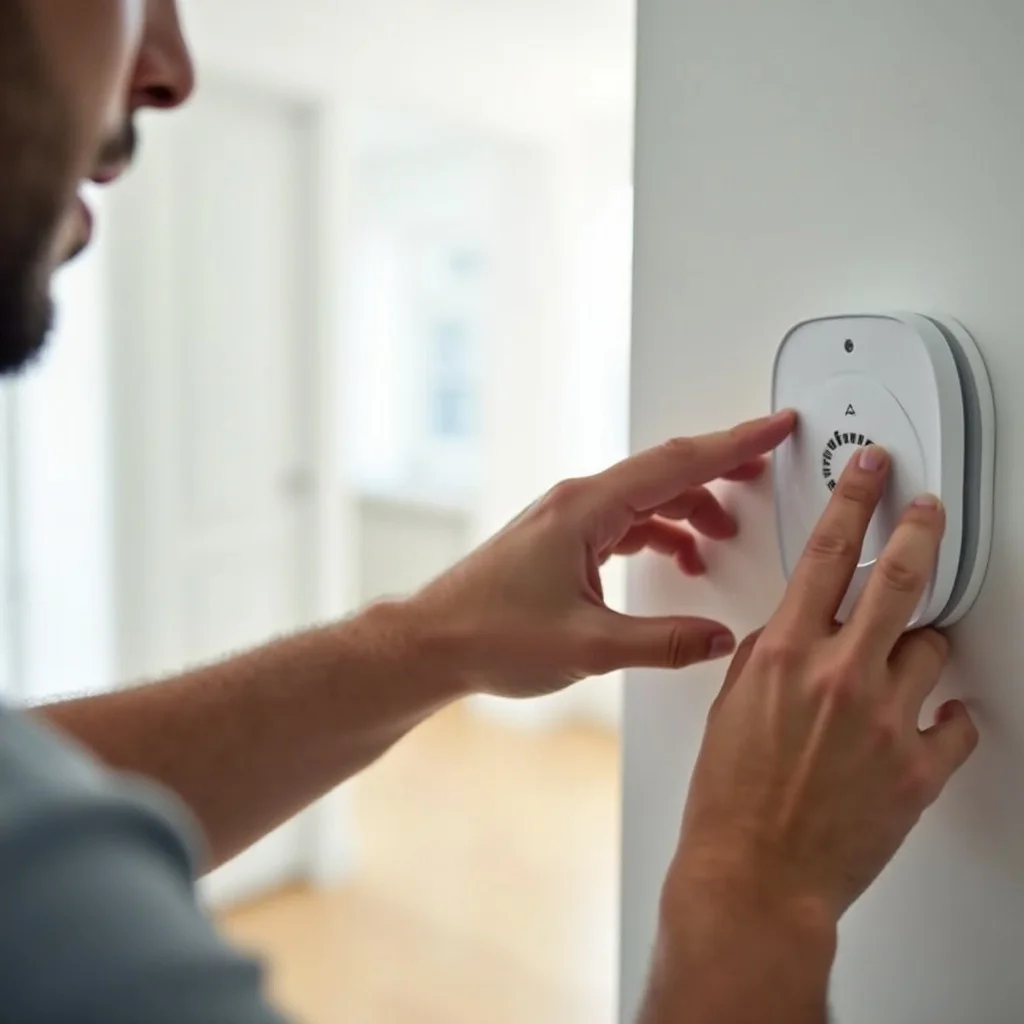
Many modern fire alarms come with a silence or hush button. This is a quick fix if the alarm is beeping due to a minor issue like smoke from cooking.
- Press and hold the silence button for about 5–10 seconds. This will temporarily stop the beeping.
- Keep in mind that this only silences the alarm temporarily. The alarm might start beeping again if the issue isn’t resolved.
Silence a Fire Alarm by Removing the Battery
If your fire alarm runs on batteries, removing the battery is one of the quickest ways of how to disable smoke alarm.
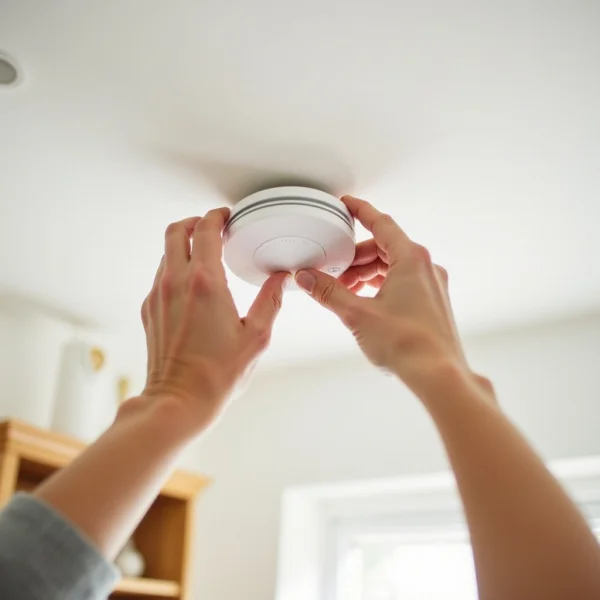
- Remove the alarm from its bracket by twisting or lifting it off the ceiling or wall.
- Open the battery compartment and take out the battery.
- Once the battery is out, the beeping should stop right away.
Be sure to replace the battery with a new one as soon as possible. If the battery is fine and the alarm keeps beeping, there could be another issue.
Disconnect the Fire Alarm from the Power Source
For hardwired alarms, disconnecting the power supply can stop the beeping. Here’s how:
- Turn off the power at the circuit breaker to cut the electrical supply to the alarm.
- Uninstall the alarm from the ceiling or wall, then disconnect the wires from the alarm.
Once you disconnect it from the power source, the alarm will stop beeping. Don’t forget to reconnect everything once the issue is fixed.
Clear the Memory of Your Smoke or Fire Alarm Detector
Some alarms have a memory feature that stores information about the cause of the previous alarm. Clearing the memory can be an effective way of how to turn off fire alarm beep:
- Press and hold the test/silence button for about 15–20 seconds.
- This should reset the alarm and stop it from beeping.
Check your fire alarm’s manual for the exact steps, as this can vary between models.
Clean Your Smoke Alarm
Dust and debris are common culprits for false alarms and beeping. Regularly cleaning your smoke alarm can prevent these issues.
- Use a vacuum cleaner with a soft brush attachment to gently clean the vents and sensors of the alarm.
- Clean your alarm every 6 months to keep it in good working condition.
Regular maintenance can prevent many common problems that cause false alarms and beeping.
Tips for Preventing Your Fire Alarm from Beeping Again
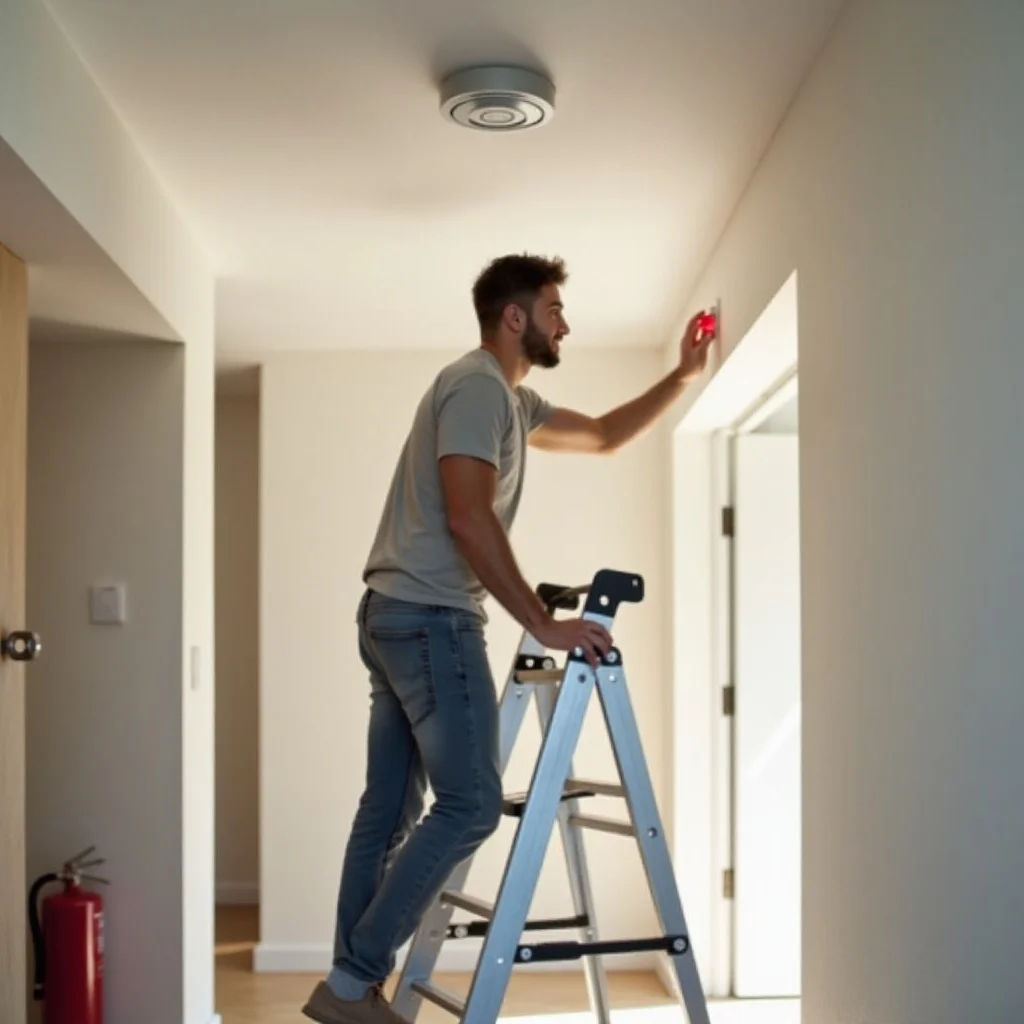
Once you've turned off your fire alarm, it’s a good idea to take steps to prevent future beeping. Here are some simple tips:
- Replace Batteries Regularly: Even if the alarm isn’t beeping, change the batteries in your fire alarm at least once a year.
- Keep the Alarm Clean: Regular cleaning prevents dust buildup and ensures the alarm works properly.
- Check Wiring for Issues: For hardwired alarms, make sure the wiring is secure and free from damage.
- Install Alarms in the Right Places: Place smoke detectors away from kitchens, bathrooms, or other places with steam or smoke that can trigger false alarms.
- Test the Alarm Monthly: Press the test button monthly to ensure everything is functioning as it should.
By following these simple tips, you can keep your fire alarm in top condition and avoid unexpected beeping.
Conclusion
Knowing how to turn off a fire alarm quickly can save you from stress and frustration. Whether it’s pressing the silence button, removing the battery, or cleaning the unit, there are several effective ways to stop the beeping.
If the alarm continues to beep, it’s important to check for issues like low batteries, dust buildup, or wiring problems. Regular maintenance and troubleshooting will help keep your fire alarm in good working condition, ensuring both your safety and peace of mind.